
Making Tax Digital
Making Tax Digital for Income Tax: the 2026 guide for sole traders & landlords.
ONLY£15A MONTHYour jargon-free guide to MTD start dates, qualifying income, digital records, quarterly updates, and choosing compatible software.
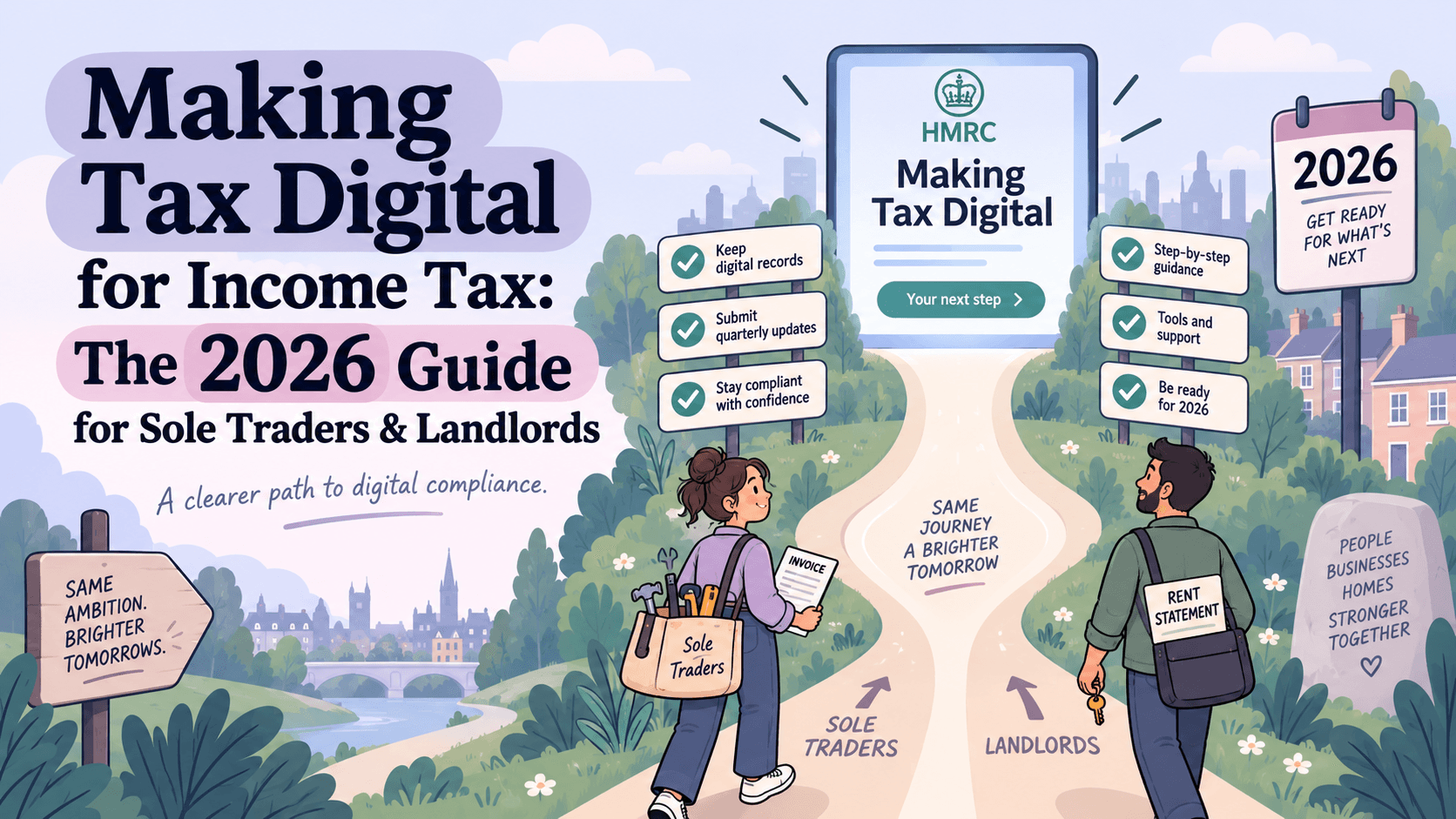
If you’re a sole trader or a landlord, the way you report your income to HMRC is changing.
For years, the routine has been the same: wait until January, dig out your receipts, tally up your expenses, and submit an annual Self Assessment tax return. From April 2026, Making Tax Digital (MTD) for Income Tax introduced digital records and quarterly updates for the first group of businesses. An annual tax return is still part of the process.
Here is the simple, jargon-free guide to what is changing, when it happens, and what you need to do.
What is Making Tax Digital for Income Tax?
MTD for Income Tax is a government initiative to digitise the UK tax system. Sole traders and landlords who fall within the rules must use compatible software to keep business records and report their income.
Rather than leaving all your bookkeeping until the annual deadline, you will need to:
- Keep digital records: Record your self-employment and property income and expenses digitally. Keeping up with this regularly makes each quarterly update easier.
- Submit quarterly updates: Send HMRC summaries from your records every three months for each business. These updates are not separate tax returns.
- Submit your annual tax return: Finalise your tax position through compatible software, checking your business figures, adding other income such as savings or dividends, and claiming relevant reliefs. You may see this final step described as a “Final Declaration”.
When does MTD for income tax start?
HMRC is rolling out the rules in phases. Your start date depends on your qualifying income in a particular tax year, unless an exemption applies:
- From 6 April 2026: Qualifying income over £50,000 in the 2024–25 tax year.
- From 6 April 2027: Qualifying income over £30,000 in the 2025–26 tax year.
- From 6 April 2028: Qualifying income over £20,000 in the 2026–27 tax year.
Check HMRC’s start-date and exemption guidance before deciding which phase applies to you.
The “combined income” rule: don’t get caught out.
The biggest mistake people make is misunderstanding what counts towards that threshold.
Your qualifying income is your gross income from self-employment and property: your total revenue before you deduct business expenses. If you have more than one trade or property income source, you generally need to add them together.
For example, if you earned £35,000 in sales as a freelance consultant and £20,000 in gross rental income from a buy-to-let property in 2024–25, your combined qualifying income was £55,000. That puts you above the threshold for April 2026, unless an exemption applies.
PAYE employment income, savings interest and dividends do not count towards this qualifying-income threshold, although they may still need to be included in your annual tax return. Read our guide to calculating qualifying income for more examples.
Can you still use a spreadsheet?
You might be thinking, “I already keep my records in a spreadsheet. Isn’t that digital?”
Yes — spreadsheets can still form part of your MTD setup. But a spreadsheet on its own cannot send the required submissions. You need compatible bridging software and digital links to transfer the information between the products you use.
Copying and pasting figures between those products does not count as a digital link. You can choose an integrated bookkeeping tool instead, if you would prefer to keep the process in one place. HMRC explains the software options here.
Your next step: get your records ready.
The April 2026 start date has already passed. If you are in that first group, check your digital records and quarterly submissions now. If you are joining in 2027 or 2028, use the time to find a routine that works for you.
Avona is built specifically for sole traders and landlords who want to manage MTD without wrestling with complicated, jargon-heavy accounting software. Connecting your bank account helps bring your transactions into your bookkeeping, so you can review and categorise them as you go.
Remember to include cash transactions and any business income or expenses outside your connected accounts. A bank feed helps with the admin; reviewing your records keeps the picture complete.
Talk to us if you would like help getting started.