
Making Tax Digital · Sole traders
Bank feeds, PDF statements and receipt scans: choosing an import method
ONLY£15A MONTHDifferent records solve different problems.
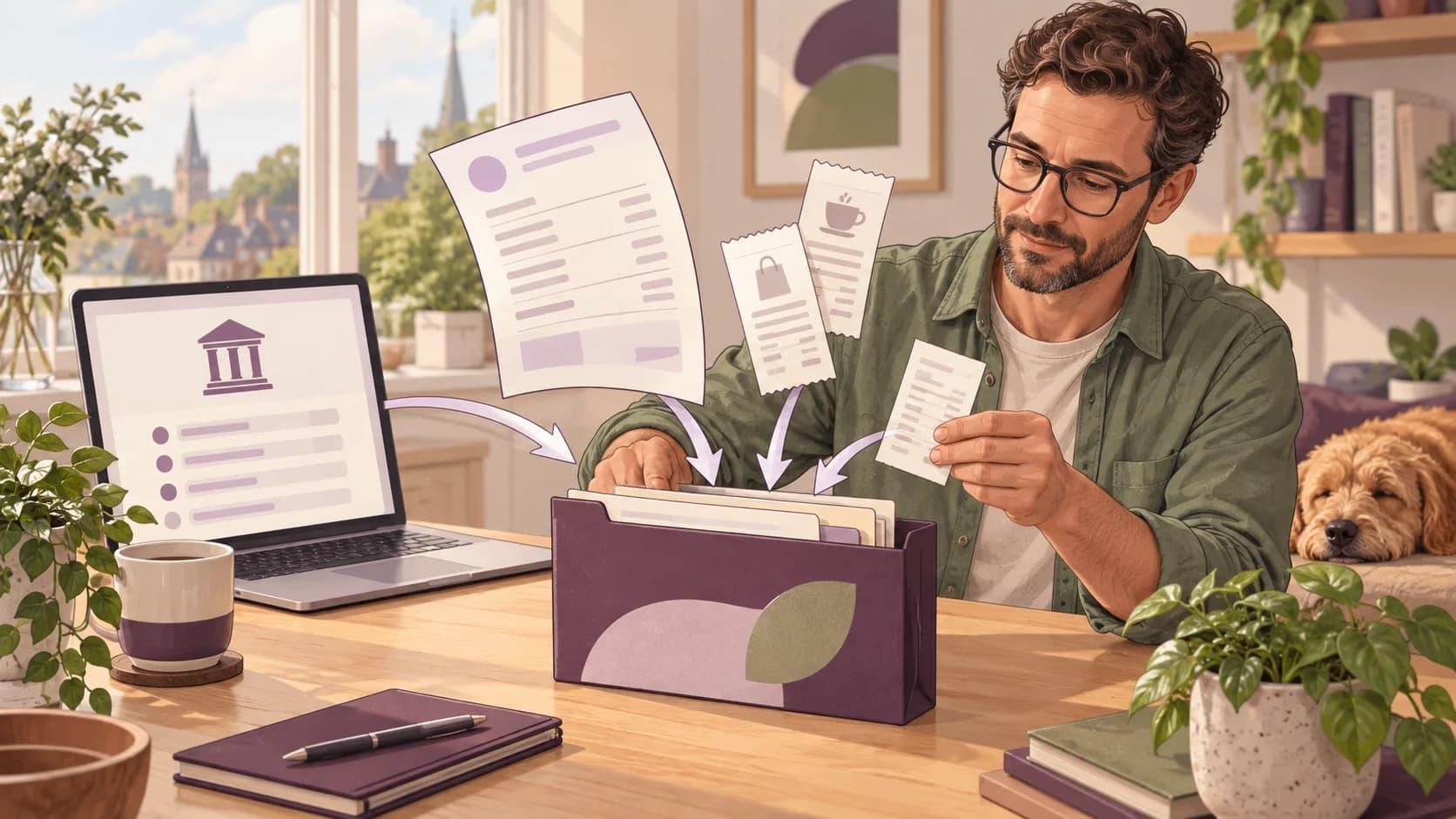
Different records solve different problems. A bank feed supplies transactions, a digital statement can fill a historical gap, and a receipt can explain what a payment bought. Treating them as complementary sources helps you build a complete record without counting the same expense several times.
Match the method to the evidence
| Source | Useful for | Main check |
|---|---|---|
| Open Banking feed | Ongoing account transactions | Coverage dates and connection status |
| Digital PDF or CSV statement | Historical or unsupported account periods | Dates, signs, totals and overlap |
| Receipt image | Item detail and purchase evidence | Legibility and match to payment |
An image of a receipt is not always a bank transaction, and a bank transaction does not always contain enough information to decide tax treatment. A digital PDF with a text layer also differs from a photograph requiring optical character recognition.
Avona's pricing information describes bank feeds and statement imports. Check the current supported formats and workflow for your particular document. Import support should not be treated as a promise that every scanned or unusual statement will be interpreted perfectly.
Keep the original source. Review date formats, debit and credit signs, carried-forward balances and repeated headers before accepting an import.
Worked example: filling a feed gap
A bank feed starts on 1 May, but records are needed from 6 April. A statement import covers 6 April to 31 May. Importing everything without an overlap check can duplicate May.
Select the missing April records or use the supported duplicate-review process. Then match receipts as evidence for existing payments. A £120 purchase should not become three expenses because it appears in the feed, statement and receipt folder.
Reconcile receipts, not just bank payouts
A bank deposit is not always the original sale. A platform, card processor or agent may deduct fees before sending you the balance. Keep the statement showing the gross amount, deductions, refunds and final payout, then explain the difference in your records.
Cash needs the same attention. Record customer cash when received under the cash basis, even if some of it is spent before the rest reaches the bank. Banking cash already recorded as a sale is a transfer between your cash and bank records, not another sale.
HMRC's record-keeping guidance covers income and business expenses. The useful practical test is whether another person could follow a payment from the original sale to the amount received without counting it twice.
Do not use bank feeds as a reason to ignore payment accounts, credit cards, cash or payments made personally for the business. List every place where business money passes, choose the source for each type of transaction and review transfers between those sources. This turns reconciliation into a repeatable check rather than a search through several unrelated statements.
A review that checks more than the total
Start with coverage: the correct person, business and period, plus all relevant accounts and cash records. Then look at completeness. A feed can be connected today while still missing an earlier week. Confirm the earliest and latest transactions against the source.
Next, inspect unusual items. Large transfers, loan receipts, refunds, net settlements and private purchases often need more context than a bank description provides. Check for duplicate imports where a statement overlaps a live feed. An automatic warning is useful evidence to investigate, not proof that the entry must be removed.
Finally, review category totals. A category unexpectedly showing zero, a large increase or a negative amount deserves an explanation. You do not have to make every annual tax adjustment at this stage, but you should understand the records behind the summary you approve.
HMRC explains what quarterly updates contain. Keep the approved version and the resulting acknowledgement together. If something later changes, correct the source record and use the software's supported update process so you can explain which figures are current.
Share the information needed for the task
Tax records need to be useful without containing unnecessary personal detail. Keep payment references sufficient to reconcile the accounts, and hold sensitive client notes in the appropriate restricted system. Financial software should not become a second, informal store for clinical notes or identity documents.
Use individual accounts and the access controls available for the service. Remove access when a working relationship ends. A secure product can still be misused through shared sign-ins, forwarded access links or files sent to the wrong person.
For Open Banking, distinguish account-information access from payment initiation. Read the consent screen and check the authorised provider. Account-information permission does not itself authorise moving money, but Open Banking as a whole also includes separately authorised payment services. The FCA explains these different services.
If you need an assurance about encryption, hosting, retention or security testing, ask for the current documented answer. Terms such as “bank-grade” do not tell you which controls apply to a particular service. Choose a workflow whose permissions and responsibilities you understand, and protect the email or phone account used to recover access.
Keep one clear source for each record
Write down the periods imported and how evidence is matched. Check account totals after each import and investigate exceptions before filing. Choose the method that makes the records complete and reviewable, rather than the one that produces the fastest upload message.
Take the next step
Avona.app offers a self-service route from £15/month. Bring your records together, review the figures and choose a workflow that fits your business. For professional help, discuss the scope and total price of Avona Concierge, managed by chartered accountants, before choosing a service.